Screen recordings instantly transformed into a searchable knowledge base.
Record in your browser, share a link, and search across everything your team has recorded, by what was said, who recorded it, or the tag they gave it.
No installs. No extensions. No card. The recorder is free. You only pay when your team needs hosting, sharing, and search.
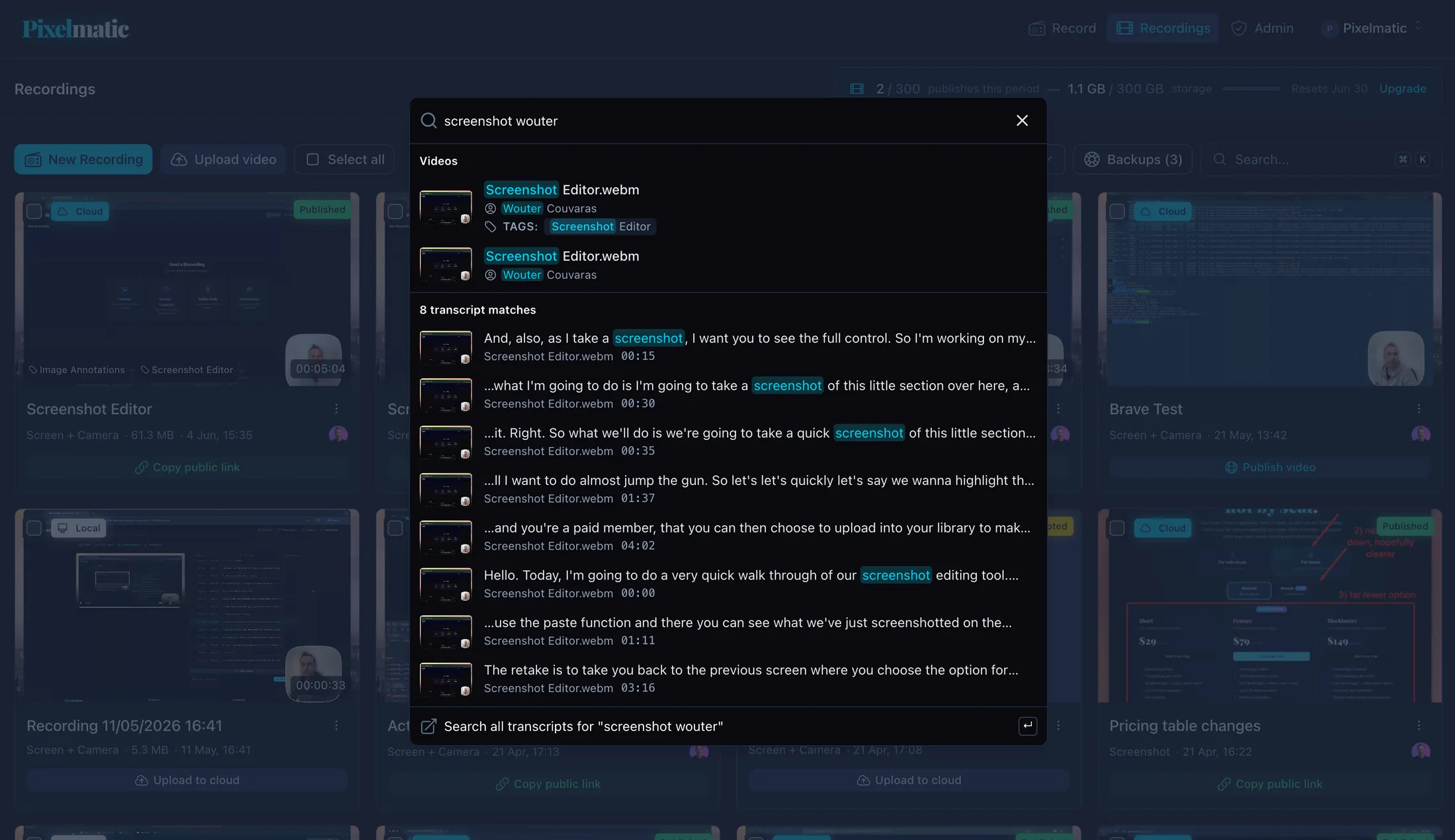
No ordinary screen recorder
Never answer the
same question twice.
Pixelmatic turns every recording into searchable team knowledge. Your team finds answers in seconds instead of scheduling another meeting.
Made for distributed teams, the people who run onboarding and training, and founders keeping everyone aligned across time zones.
Teams lose track of what they've
already said.
Most of what a team knows gets said out loud, in calls and quick walkthroughs, and then it's gone. Someone asks again. Someone re-records.
A 30-minute meeting to share something that didn't need everyone live.
Record it once. People watch in three minutes, when it suits them.
The same explanation, given again. A teammate asks what you covered last month.
Record it once. It stays searchable for whoever needs it next.
New hires interrupting to ask what's already been answered.
They search the library on day one instead of asking around.
A bill that grows every time you add someone.
One price for the whole team. Adding people never changes your bill.
A tool the recipient has to install before they can watch.
Share a link. They watch in their browser.
How it works
Record. Share. Search.
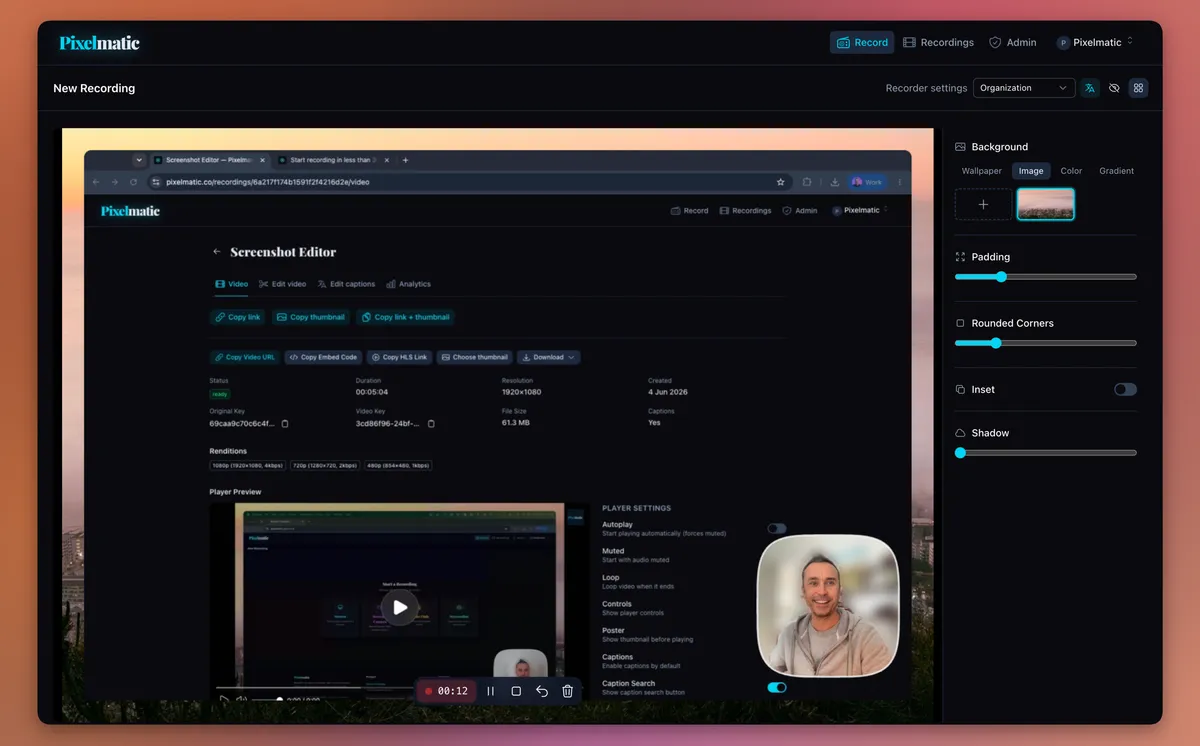
Capture screen + camera, right in the browser
No install, no extension, no time limit. Pick a mode, style the frame, and hit record. The same on Mac, Windows, and Linux.
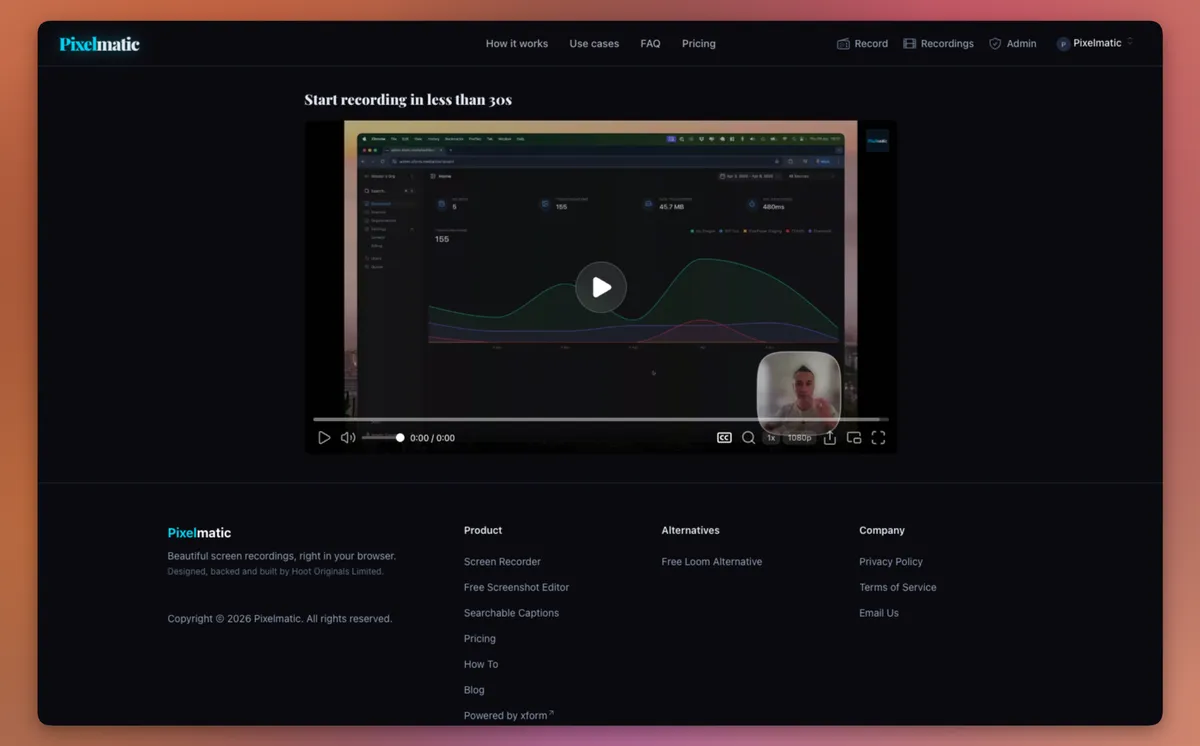
Publish to the cloud and send one link
Your teammate watches in their browser, nothing to open or download. Captions, player controls, and your branding come built in.
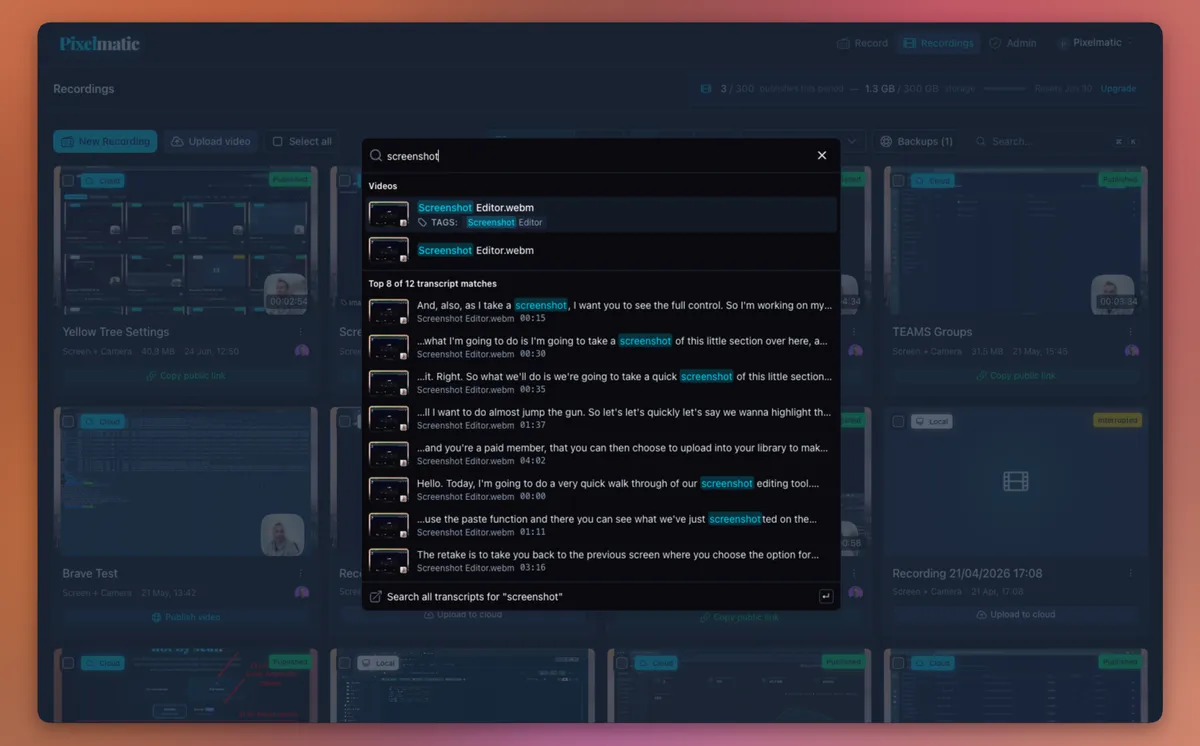
Find the exact moment it was said
Every published recording is transcribed. Search your whole team's library by what was said, the tag they added, or who recorded it, and jump straight to the moment.
What that means for your team
Not a longer feature list. Fewer of the things that slow your team down.
Fewer meetings
Record the update once. People watch when they're at their desk, in their own time zone.
Faster onboarding
New hires find answers in the library instead of pulling someone away to ask.
Nothing gets lost
The walkthrough from six months ago is still there, still searchable.
A bill that doesn't grow
Add people without watching the meter. One price, however big your team gets.
How we're different
Most screen recorders are single-player tools with team pricing bolted on. A few things set Pixelmatic apart.
Search across the whole library
Not just inside one recording. Find the moment a teammate explained billing, across every video anyone on the team has published.
One price, however big your team
Every team plan includes unlimited teammates, so it works out cheaper than per-seat tools from the second person on.
And for teams that care about the details, your recorder look, branding, and player defaults are set once for everyone. See the team settings.
If you're weighing us against Loom, here's an honest comparison.
In the wild
What teams use it for
Async standups
→Three minutes a day, searchable later.
Bug reports
→Show the repro. The captions explain it.
Support handoffs
→Captioned, searchable, shared with a link.
Onboarding
→Once recorded, the library answers for years.
Sales walkthroughs
→Your prospect rewatches with their team after the call.
Design reviews
→The trade-off discussion stays findable months later.
Agencies & consultants
→One account, every client kept separate.
Education
→Teach it once. Students search it all semester.
What's free, what's paid
The recorder
Unlimited screen and camera recording. No time limit. WebM saved locally with a small pixelmatic.co watermark — just sign up for a free account. The screenshot editor is free too. You also get 1 GB of hosted storage and three published recordings to try the sharing side.
The shared library
Cloud hosting on every published recording. Public share links. Automatic transcription. Library-wide search across your org. Brand consistency at the org level. Unlimited teammates on every team plan.
Recordings stay private until you publish them. On a team plan, your library is visible to your organisation, with owner control over it. We're happy to talk through the technical details if you need them.
One price for your
whole team.
Add as many teammates as you like, the price never changes. Plans differ by how much you publish and store, never by headcount.
Short
For creators & small teams
- Everything in Solo
- Publish 75 videos a month
- 75 GB storage — videos never expire
- Unlimited team members
- Full analytics
- Shared recorder settings for the team
- 14-day free trial
Feature
For teams that run on video
- Everything in Short
- Publish 300 videos a month
- 300 GB storage — videos never expire
- Priority video processing
- 14-day free trial
Blockbuster
For orgs where video is infrastructure
- Everything in Feature
- Publish 1,000 videos a month
- 1 TB storage — videos never expire
- Custom video domain (coming soon)
- API access (coming soon)
- Priority support
- 14-day free trial
Frequently asked questions.
No. The recorder runs in your browser. The same on Mac, Windows, and Linux.
Ready to try it with your team?
Record your first walkthrough free. Add your team when you're ready.
Start recording, free →No card required. Up and running in about a minute.