A free Loom alternative
for remote teams.
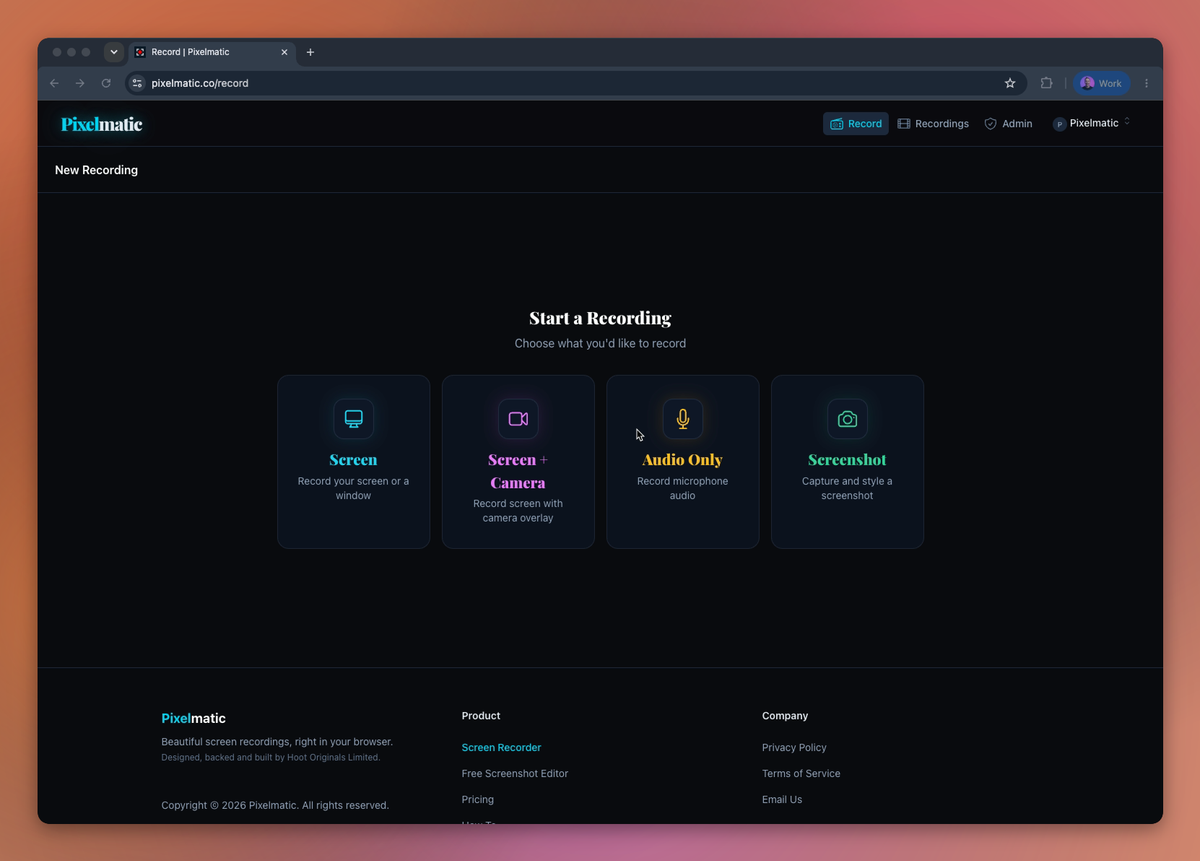
Record for free in your browser. No time limit. Pay by tier, not by seat, when your team needs hosting, transcripts, and library-wide search.
Free account. No card. No app to install.
Browser-only
No app. No extension. Mac, Windows, Linux.
By tier, not by seat
Add teammates without watching the meter.
Library-wide search
Find the moment by transcript, tag, or who recorded it, across every recording.
Side by side
Pixelmatic vs Loom at a glance.
Loom prices use the Business tier at $24/seat billed monthly. Verify on Loom's current pricing page before relying on these numbers.
| Pixelmatic | Loom | |
|---|---|---|
| Free recording | Unlimited, no time limit (stored locally) | 25 videos / person, 5-min cap |
| Free hosted videos | 3 published total | Hosted by default on free |
| Free storage | 1 GB | (hosted by Loom) |
| Transcripts | Paid plans | All plans |
| Search across team library | Yes | Per recording only |
| Pricing model | By tier, not by seat | Per seat |
| 5 people, paid | from $29/mo total | $120/mo |
| 15 people, paid | from $29/mo total | $360/mo |
| 50 people, paid | from $29/mo total | $1,200/mo |
The gap starts at the second teammate. By teammate ten, it's $241/month, every month.
Where Pixelmatic wins
Four places we do better.
- Library-wide search across the org
- Find the moment somebody said something across every recording your team has made, not just inside a single video.
- Pay by tier, not by seat
- Every team plan includes unlimited teammates, so the savings start with the second person. 15 people: from $29 vs Loom's $360.
- Genuinely free recording
- No time cap, no video cap, just a free account. The screenshot editor is free too.
- Browser-first, every OS
- No "open in app" prompts. Same experience on Mac, Windows, and Linux. Linux teammates included.
And if you care about what your videos look like, here's how Pixelmatic keeps every recording on-brand, with recorder, branding, and player settings set once for the whole team.
Being honest
Where Loom still wins.
We're not going to pretend Loom is a bad product. Here's what they do that we don't, so you can decide cleanly.
- Maturity.
- Loom is older, with more integrations and a bigger user base.
- Free starter generosity.
- Their free tier hosts every video (up to 25 per person) on their side.
- AI features.
- Loom has shipped a number of AI features Pixelmatic doesn't have yet.
The honest call
Which one is right for you?
Choose Pixelmatic if you're
- Teams who'd rather find than ask, and want recordings searchable across the whole library.
- Teams that don't want to make teammates install a desktop app.
- Teams who got bitten by per-seat pricing as they grew, and want a different model.
- Mixed-OS teams (especially with Linux) who need everyone on the same recorder.
Stay on Loom if you're
- Teams that only need single-recording search.
- Teams already locked into Loom integrations they rely on.
- Teams that specifically want the AI features Loom offers.
If this is all you need, stay with Loom. No hard feelings.
Frequently asked questions.
Try the screen recorder, free.
Free account. No card. No app. Or start a 14-day team trial to see how the library works.